Pokemon Generator

Create stunning custom text with the iconic Pokemon style.

#FFCB05
#3B71C1

Preview

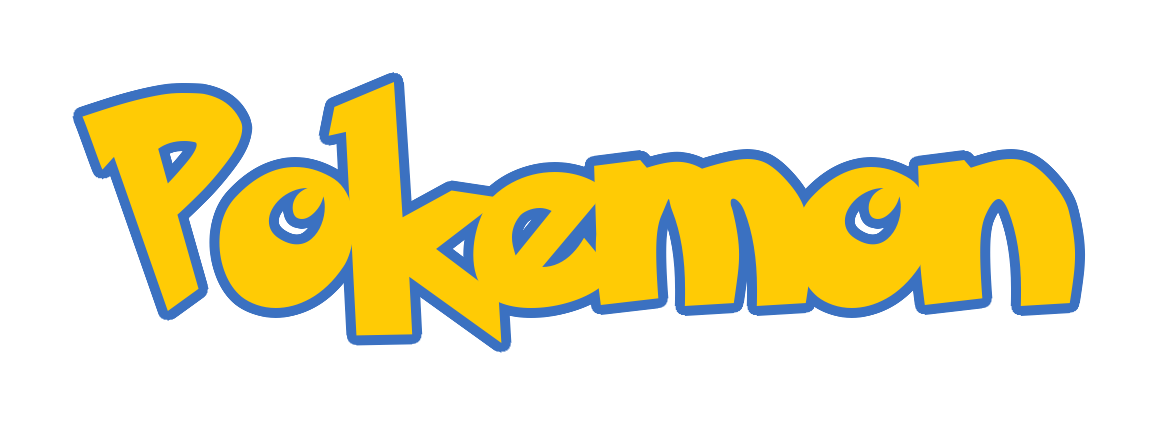
Generated Pokemon Text

The Pokémon Text Generator: Make Your Own Custom Logos!

Hey there! If you grew up trading cards in the schoolyard, battling gym leaders on your Game Boy under the covers, or waking up extra early to catch the anime on TV, you already know how iconic the Pokémon logo is. That bright yellow text with the thick blue outline is burned into our collective memories. Welcome to our Pokémon Font Generator—a tool built by fans, for fans, so you can finally write your own name (or anything else!) in that exact, unmistakable style.

We built this because, honestly, trying to accurately recreate that classic logo text in Photoshop or regular web design is a massive headache. You either end up with weirdly overlapping outlines or fuzzy drop-shadows that just don't look right. We wanted to create something completely frictionless. No software downloads, no pulling out your hair over layer styles. Just type your text, pick your colors, and boom—your custom image is ready to download.

How Does This Thing Actually Work?

It sounds simple on the surface, but there's actually a lot of cool tech running quietly in the background to make your text look perfect.

When you type into the generator, we're not just throwing a standard web font onto your screen. Instead, we use a custom image processing engine on our server. The engine takes your text and a custom TrueType font file, and algorithmically draws a thick, solid border around it. It does this by rendering the text repeatedly in a tiny circle to form the outline, and then it stamps your chosen inner color right on top. This is the exact technique needed to get that heavy, bubbly border that defined 90s gaming typography.

The best part? Because we're generating an actual PNG image rather than just styling text with CSS, you can download it with a completely transparent background. That means no annoying white boxes ruining your designs. It's ready to be slapped onto thumbnails, memes, or fan art the second you hit download.

More Than Just Yellow and Blue

While the classic yellow text with a heavy dark-blue stroke is legendary, we wanted to give you total creative freedom. Maybe you're building a fan game based around Ghost-types and want eerie purple text with a black outline? Or maybe you're throwing a Grass-type themed party and want bright green lettering? Our color pickers let you customize both the inner text color and the outer border color to exactly match your vibe.

On top of that, we included options for both "Pokémon Solid" and "Pokémon Hollow" fonts. The solid version gives you that chunky, filled-in classic look, while the hollow version gives you a sleek, stylized outline that works amazingly well for modern, minimalist designs. Just use the dropdown menu to test out which one fits your project better.

Awesome Ways People Use the Generator

It's always amazing to see what the community comes up with when they get their hands on a tool like this. Because the generator hands you a high-res, transparent PNG, you can drop it into almost any workflow right away. Here's what we see it used for the most:

Why a Dedicated Generator Beats Using Standard CSS

If you're a web tinkerer, you might be wondering, "Why not just download the font, stick it on my site, and use CSS text-stroke?" If you've ever tried that, you probably know the pain. CSS strokes usually cut inside the letter, making the font look super skinny and hard to read. Alternatively, using multiple CSS text-shadows creates blurry, messy edges.

By letting our specialized backend handle the heavy lifting, you get pixel-perfect, crisp borders every single time. Plus, a static image is wildly easier to drop into After Effects, Premiere, or Photoshop than dealing with raw font files. (Though hey, if you do want the raw font, we linked it right above your preview!).

Give It a Spin!

The whole thing is totally free to use. Seriously—generate ten words, generate a thousand. Try putting your dog's name into it, or your hometown, or your favorite attack move. Slide the text size around to see how the borders scale, check the transparency box, and start making something awesome. Gotta generate 'em all!